Installing a security camera seems straightforward until the sun moves across the sky and blinds your lens. Many homeowners discover too late that **direct sunlight can overheat Blink cameras beyond their 113°F operating limit, cause rapid battery drain, and trigger endless false motion alerts due to shifting heat shadows.**
If your camera is facing the sun, you are likely dealing with washed-out footage or a device that shuts down during the hottest part of the day. This is not just a nuisance; it leaves your home vulnerable when the camera is offline. Fortunately, you don’t always need to drill new holes to fix this.
This guide explains exactly how the sun affects your Blink system and provides actionable steps to shield your device, improve image quality, and stop those annoying false alarms.
The Dangers of Direct Sunlight on Blink Cameras
Direct sun exposure does more than just ruin your video feed. It physically stresses the hardware. Understanding these risks is the first step to protecting your investment.
Overheating and Thermal Shutdown
Blink Outdoor cameras are rated to operate between -4°F and 113°F (-20°C to 45°C). While 113°F sounds hot, a black camera housing in direct sunlight can easily exceed this temperature even on an 85°F day. When the internal temperature spikes, the camera may shut down to protect its circuitry. You might notice the camera going offline every afternoon and reconnecting in the evening.
False Motion Alerts from Heat
Blink cameras use Passive Infrared (PIR) sensors to detect motion. These sensors do not “see” movement like a human eye; they detect rapid changes in heat signatures. Direct sunlight creates two specific problems for PIR sensors:
Rapid Ground Heating: As clouds pass over the sun, the ground heats up and cools down instantly. The sensor interprets this sudden heat wave as motion, sending you a notification.
Moving Shadows: Tree branches blowing in the wind cast high-contrast hot and cold shadows. In direct sunlight, these distinct heat patterns look exactly like a person walking by to the PIR sensor.
UV Damage to the Fresnel Lens
The small domed cover over the motion sensor is a Fresnel lens made of plastic. Over time, harsh UV rays make this plastic brittle and opaque. If this lens cracks or clouds over, your motion detection range will drop significantly, and the camera will eventually lose its weatherproofing.
How to Position Cameras to Avoid Glare
Placement is the most effective way to combat sunlight issues. A few inches of adjustment can make the difference between a crystal-clear image and a white screen.
Utilize Natural Overhangs
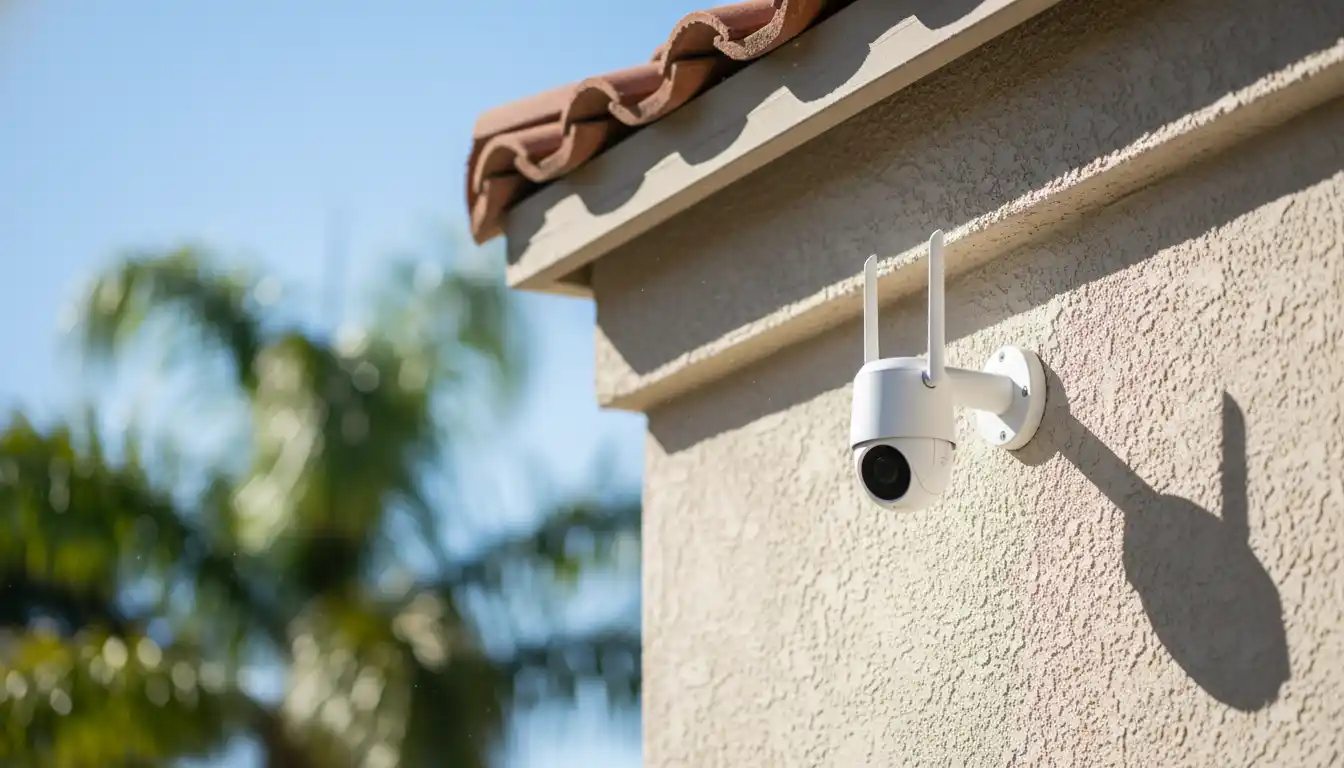
The best defense against the sun is your home’s existing architecture. Mounting the camera deep under the soffits or eaves provides permanent shade. This position creates a “visor” effect, blocking high-noon sun while still allowing a clear view of the yard. If you are unsure about drilling into these materials, you might want to read up on how to enclose a pole barn or similar structures to understand how to attach mounts to different exterior surfaces securely.
Angle Downward Significantly
Tilt your camera downward more than you think is necessary. By angling the lens down, you reduce the amount of sky in the frame. This stops the auto-exposure from adjusting to the bright sky, which normally causes the foreground (your yard) to look pitch black. A steeper angle also helps the PIR sensor focus on the ground where people walk, rather than distant heated trees.
Avoid East and West Facing Mounts
East and West-facing cameras are guaranteed to be blinded once a day during sunrise or sunset. If you must monitor a side of the house facing these directions, angle the camera specifically towards a structure or wall rather than looking straight out into the horizon.
Accessories That Solve Sun Problems
If you cannot move the camera, you must modify it. Several accessories can artificially create shade or reduce thermal absorption.
Silicone Skins and Covers
Standard Blink cameras come in black or white. If yours is black and sits in the sun, it acts like a heat magnet. Covering it with a white silicone skin can reflect a significant amount of solar radiation, keeping the internal battery cooler. Conversely, if you have a white camera causing glare against a dark wall, a black skin can help blend it in, though it will absorb more heat.
Install a Sun Hood
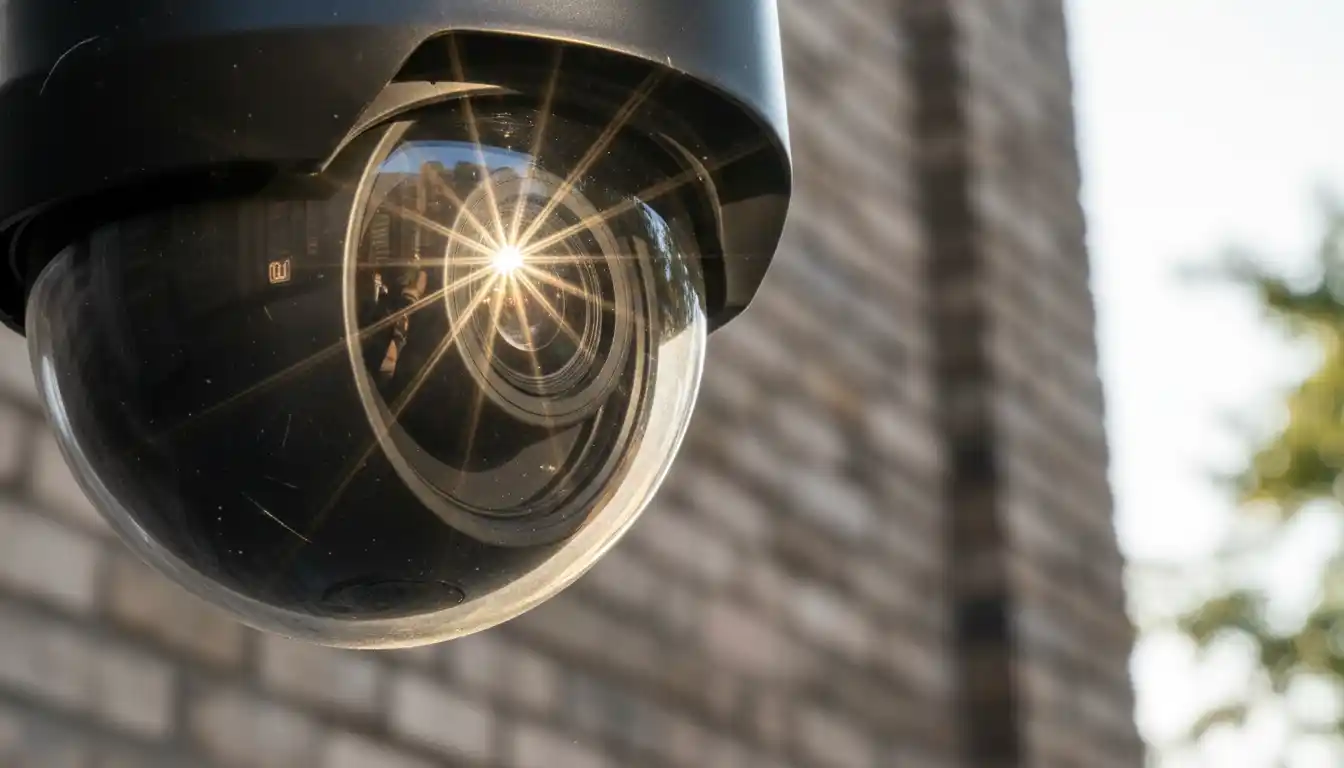
A sun hood is like a baseball cap for your camera. You can buy third-party mounts that include a built-in roof, or you can fashion a DIY shield. The goal is to physically block the sun rays from hitting the lens glass. This prevents “lens flare,” which appears as circles or washed-out streaks in your video clips.
| Accessory Type | Best For | Pros | Cons |
|---|---|---|---|
| White Silicone Skin | Overheating prevention | Reflects heat, cheap, easy to install | Doesn’t stop lens glare |
| Sun Hood / Roof Mount | Lens flare & washout | Physically blocks light, protects from rain | Can be bulky, may attract spider webs |
| Anti-Glare Film | Direct reflection | Invisible, reduces washout | Hard to apply, may reduce night vision clarity |
Optimizing Settings for Bright Conditions
Hardware fixes are great, but software adjustments are equally important. You can tweak the Blink app to ignore the chaos caused by the sun.
Adjusting Sensitivity
On hot, sunny days, turn your sensitivity down. Since heat waves are triggering the sensor, a lower sensitivity setting tells the camera to ignore minor heat fluctuations and only alert you for large heat signatures, like a person or a car. This is often a trial-and-error process.
Using Activity Zones
If a specific tree casts a moving shadow on your driveway every afternoon, use the “Activity Zones” feature to grey out that specific area. The camera will still record the full view, but it won’t trigger an alert based on movement in that zoned-out square. This is essential for preventing notification fatigue.
Installation Tips and Tools
Moving a camera often involves drilling new holes. When mounting cameras on exterior siding or tough materials, ensuring you have the right tools is critical. If you are mounting a camera near existing electrical fixtures to tap into power (for wired versions), you might need to know what size hole saw for round electrical box installations to ensure a clean fit for any junction boxes you add.
Drilling into Siding
Vinyl siding expands and contracts with heat. When mounting your camera, do not screw it so tightly that it pins the siding against the wall, as this can cause the siding to buckle. Use a small pilot hole to prevent cracking the plastic.
Checking Status Lights
Once installed, keep an eye on the camera’s status. While a Blink camera doesn’t have a complex diagnostic panel, watching its behavior is key. If the LED flashes red or behaves erratically during the day, it could be an overheat warning. It is similar to how you would troubleshoot other home systems; for example, investigating a Trane XV80 red light flashing requires looking at the pattern to identify the fault. With Blink, an offline message during peak heat is your clear indicator of thermal failure.
Battery Maintenance in High Heat
Lithium batteries are required for Blink cameras, specifically the Energizer Ultimate Lithium AA cells. These handle temperature extremes far better than alkaline batteries.
Never use alkaline batteries: They are water-based and will leak acid inside your expensive camera when they get hot. In direct sunlight, the fluid inside expands and ruptures the seal. Always stick to the recommended lithium cells, which use a different chemistry that is stable up to 140°F (60°C), giving you a safety buffer even if the camera housing gets hot.
By combining smart placement with the right accessories, you can keep your Blink cameras running smoothly even in the height of summer. Don’t let the sun be the reason your security system fails.
Blink Camera in Direct Sunlight: FAQ & Fixes for Glare and Heat
1. What is the safe operating temperature range for Blink cameras?
Blink Outdoor and Indoor (3rd Gen) cameras are designed to operate safely between -4°F and 113°F (-20°C to 45°C). While they can withstand temporary spikes in temperature, consistent exposure to direct sunlight in hotter climates can push the internal temperature beyond this limit, potentially causing performance issues or temporary shutdowns.
2. Can direct sunlight permanently damage my Blink camera?
Yes, prolonged exposure to intense, direct sunlight can damage the camera’s image sensor over time, leading to “sunburn” or purple streaks in the video feed. Additionally, extreme heat generated by direct solar radiation can degrade the plastic housing and internal battery life. Using a protective cover or sunshade is highly recommended to prevent permanent hardware failure.
3. How can I fix glare and lens flare on my Blink camera?
Glare often occurs when the sun hits the lens at a specific angle. To fix this, angle the camera slightly downward so the horizon is not in the direct center of the frame. Alternatively, install a small “sun hood” or visor above the lens to block light from entering from above. You can buy third-party rain/sun covers specifically designed for Blink cameras that extend over the lens without obstructing the view.
4. Will a silicone skin help reduce overheating?
Yes, using a white silicone skin can significantly help reduce the camera’s internal temperature. Black cameras absorb heat, while white accessories reflect sunlight. Slip-on silicone covers are an affordable and effective way to lower the device’s surface temperature by several degrees, protecting the internal electronics during peak daylight hours.
5. Does the Blink Solar Panel Mount act as a sunshade?
The official Blink Solar Panel Mount can serve as an effective sunshade if positioned correctly. Because the solar panel typically sits above the camera unit, it can physically block direct sunlight from hitting the camera body. This provides a dual benefit: keeping the camera shaded to reduce heat and keeping the battery charged.
6. Why am I getting false motion alerts during the day?
Direct sunlight can create shifting shadows or rapid changes in lighting that the camera’s Passive Infrared (PIR) sensor interprets as motion. This is common when clouds pass quickly over the sun. To fix this, adjust the “Sensitivity” slider in the Blink app settings or set up “Activity Zones” to exclude areas with high contrast changes, such as tree branches casting shadows on a wall.
7. Does the warranty cover heat damage?
The standard Blink 1-year limited warranty covers defects in materials and workmanship but typically excludes damage caused by external causes, including “misuse” or operating the device outside its rated temperature specifications. If your camera fails due to extreme heat exposure or sun damage, it may not be eligible for a free replacement, making preventative shading crucial.
8. Can I make a DIY sunshade for my camera?
Yes, you can create a simple DIY sunshade using white plastic or aluminum flashing. Cut a small piece of material and attach it to the top of the camera or its mount using outdoor-rated double-sided tape. Ensure the shield extends far enough forward to cast a shadow over the lens but not so far that it obscures the top of the video frame or reflects IR light at night.
9. How does heat affect the battery life of Blink cameras?
Extreme heat accelerates the chemical reactions within lithium batteries, which can lead to rapid draining or even leakage. If your camera is in direct sun, you may notice the battery indicator dropping much faster than the rated 2-year lifespan. Using a solar panel accessory or ensuring the camera is mounted under a cool eave can help preserve battery health.
10. What is the best placement to avoid sun issues?
The ideal placement is under a soffit, eave, or porch ceiling where the camera remains in deep shadow throughout the day. If open-air mounting is unavoidable, try to face the camera North (in the Northern Hemisphere) to avoid the direct path of the sun. Avoid facing the camera directly East or West, as the low angle of the rising or setting sun will blind the sensor.